Kirwyn

I'm a mechanical engineer who spent over 13 years in the Oil and Gas Industry, where Desired Outcomes and Root Causes were critical. Turns out, those same concepts drove my work in Business Process Automation and now Actionable Measurement.

Google Workspace Studio hero illustration showing AI agents connecting Gmail, Drive, Sheets, Calendar and Chat apps with automated workflows

Google Workspace Studio Beginners Guide: Build AI Agents Step-by-Step

Updated: 2026-01-15 Most of us spend hours each week doing the same repetitive tasks: copying data from emails to spreadsheets, filing documents, routing messages to the right people. Google Workspace Studio, released in December 2025, lets you delegate these tasks to AI agents that work inside Gmail, Drive, Sheets, and the other Google apps you […]

Google Workspace Studio Beginners Guide: Build AI Agents Step-by-Step Read More »

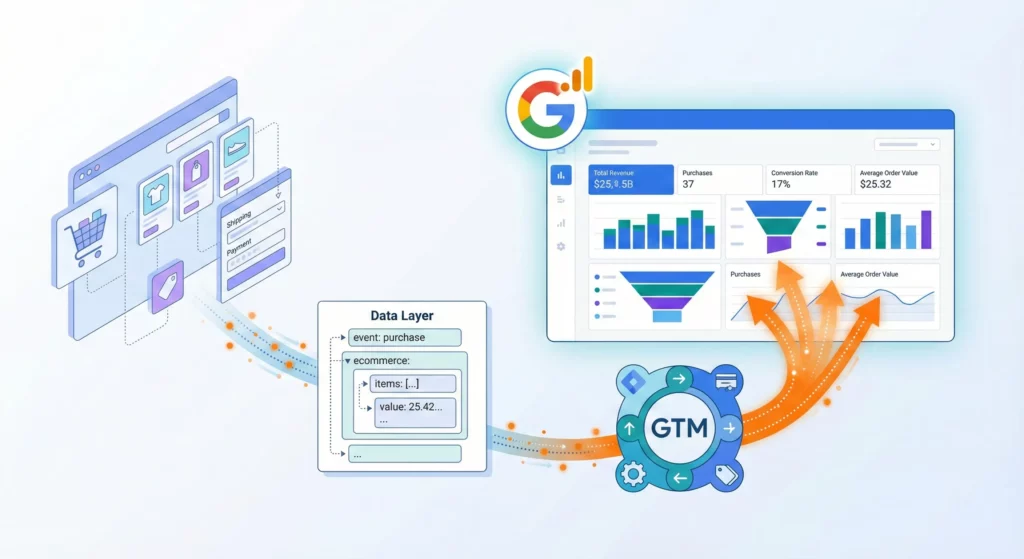
Ecommerce website connected to analytics dashboards through Google Tag Manager, illustrating the flow of customer behavior data from online store to GA4 reports

Google Analytics 4 eCommerce Tracking with GTM and Data Layer

Google Analytics 4 Ecommerce tracking isn’t about collecting data for the sake of having numbers in reports. It’s about understanding the specific behaviours that create revenue so you can identify exactly where you’re losing money and what’s working well. Most businesses can see their total traffic and final revenue, but they’re completely blind to what

Google Analytics 4 eCommerce Tracking with GTM and Data Layer Read More »

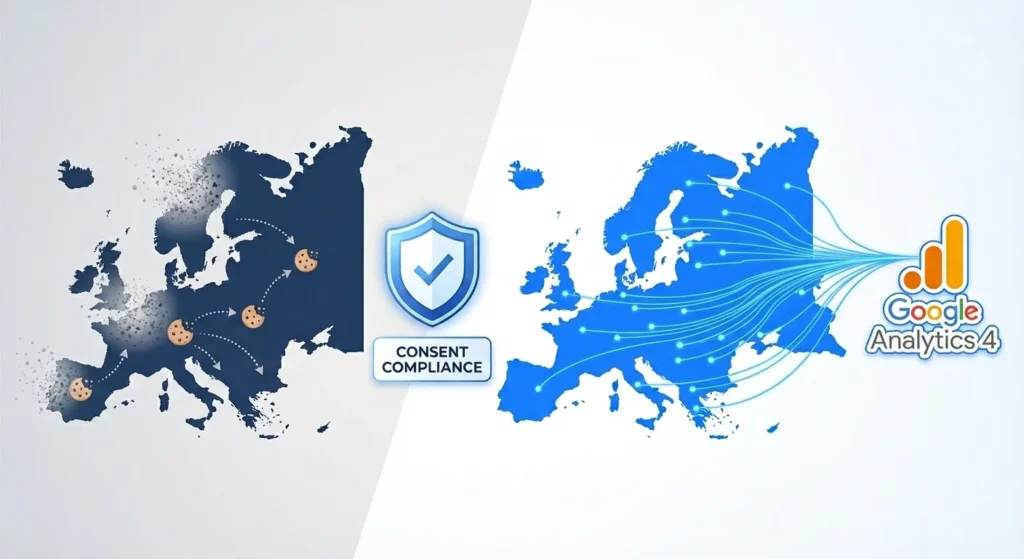
Split illustration showing data loss from non-compliant tracking versus recovered data through GA4 Consent Mode v2 implementation in European markets

Guide to Google Analytics Consent Mode v2

If you’re running ads to European customers, you’ve likely noticed something alarming: your conversion data has gotten worse. Your remarketing lists have stopped growing. Your Google Ads bidding algorithms seem confused. You’re not imagining it. The Digital Markets Act (DMA) changed the rules in March 2024, and if you haven’t implemented Google Consent Mode v2,

Guide to Google Analytics Consent Mode v2 Read More »

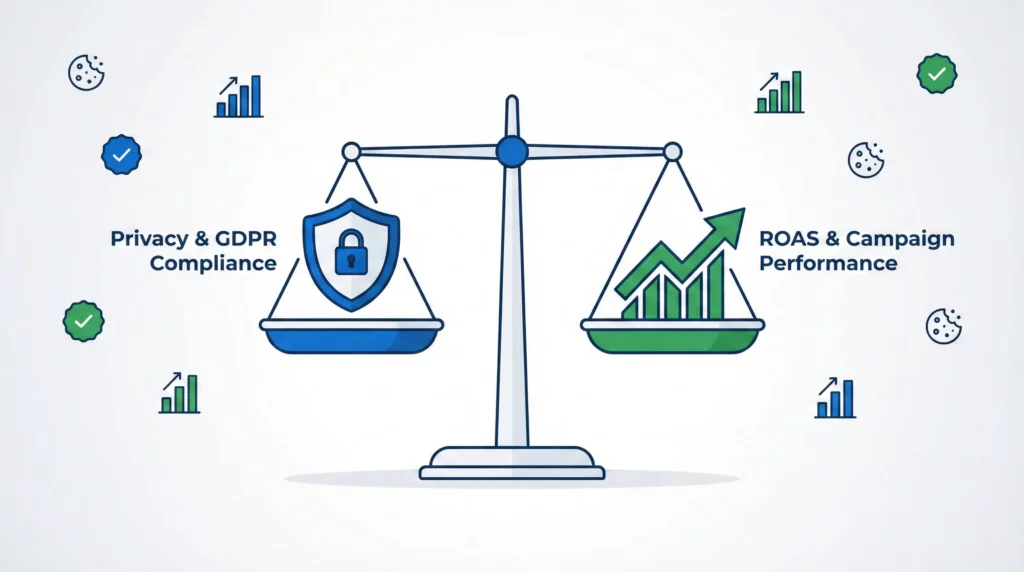
Balanced scale showing privacy compliance shield on one side and ROAS performance graph on the other, representing Google Ads Consent Mode's ability to protect both privacy and advertising performance

Google Ads Consent Mode v2: Protecting ROAS in a Privacy-First World

Digital advertising has changed. When someone lands on your site and clicks “Reject” on your cookie banner, your tracking stops. You lose the connection between ad click and conversion. For Google Ads campaigns, this creates a serious problem: your automated bidding algorithms think your ads aren’t working when they actually are. This guide explains how

Google Ads Consent Mode v2: Protecting ROAS in a Privacy-First World Read More »

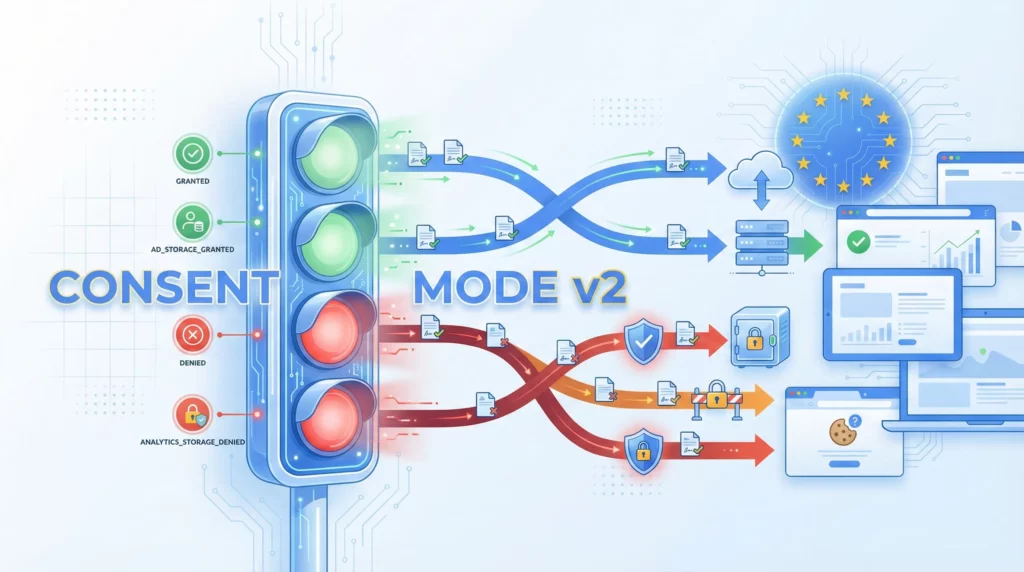
Google Consent Mode v2 hero illustration showing traffic signal consent controls managing data flow between users, websites, and Google's advertising platforms under EU privacy regulations

What is Google Consent Mode v2? (And Why It Matters for Your Business)

If you’ve been running Google Ads or using Google Analytics, you’ve probably heard about Consent Mode v2. Maybe you received an email warning about compliance deadlines. Maybe your agency mentioned it in passing. Maybe you saw a notification in your Google Ads account and clicked “Remind me later.” Here’s what you need to know: this

What is Google Consent Mode v2? (And Why It Matters for Your Business) Read More »

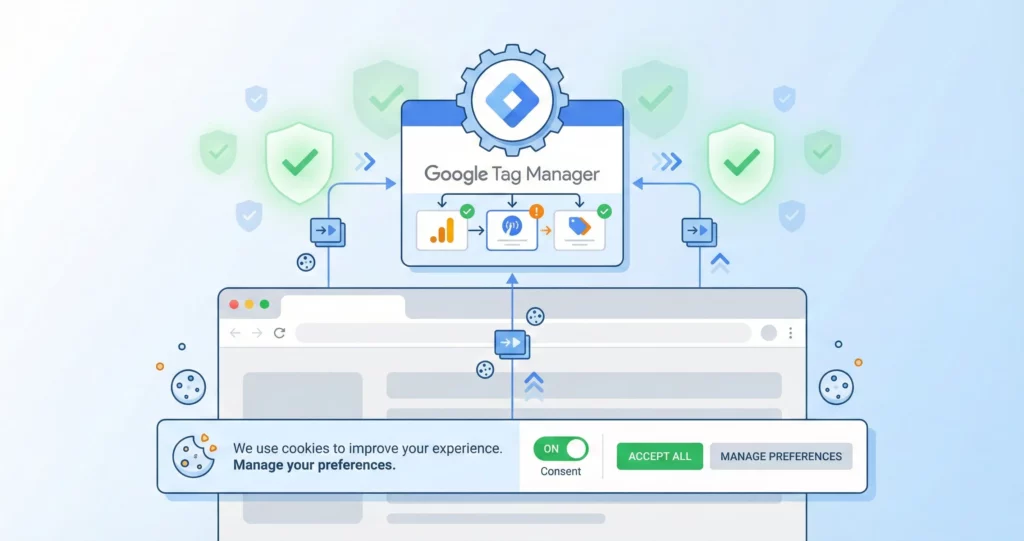
Google Tag Manager cookie consent implementation showing browser consent banner, GTM container, and compliance workflow

Cookie Consent With Google Tag Manager

Getting cookie consent right in Google Tag Manager requires balancing regulatory compliance with your measurement needs. Implementation errors typically fall into two categories: firing tags without proper consent (creating compliance risk), or blocking tags unnecessarily (losing measurement data even when collection would be permissible). This guide walks through implementing Google Consent Mode v2 in Google

Cookie Consent With Google Tag Manager Read More »

"Google Analytics 4 installation dashboard with tracking code and website connection illustration

How to Install Google Analytics 4 (GA4) on Your Website

If you’re running an online business in 2025, accurate tracking isn’t optional anymore. The difference between knowing exactly which marketing channels drive your revenue and guessing blindly can make or break your growth. Yet most small businesses install Google Analytics 4 once and never verify it’s working correctly, leading to months of broken data and

How to Install Google Analytics 4 (GA4) on Your Website Read More »

Illustration of Google Tag Manager as a central hub connecting multiple marketing tracking tools through a single interface

How to Install Google Tag Manager: The Complete Beginner’s Guide

For years, tracking what happens on your website meant submitting tickets to developers and waiting weeks for changes. Want to see if anyone clicked your “Buy Now” button? That’ll be three weeks and a developer’s hourly rate. Need to install the Facebook Pixel before your campaign launches tomorrow? Too bad. This bottleneck didn’t just slow

How to Install Google Tag Manager: The Complete Beginner’s Guide Read More »

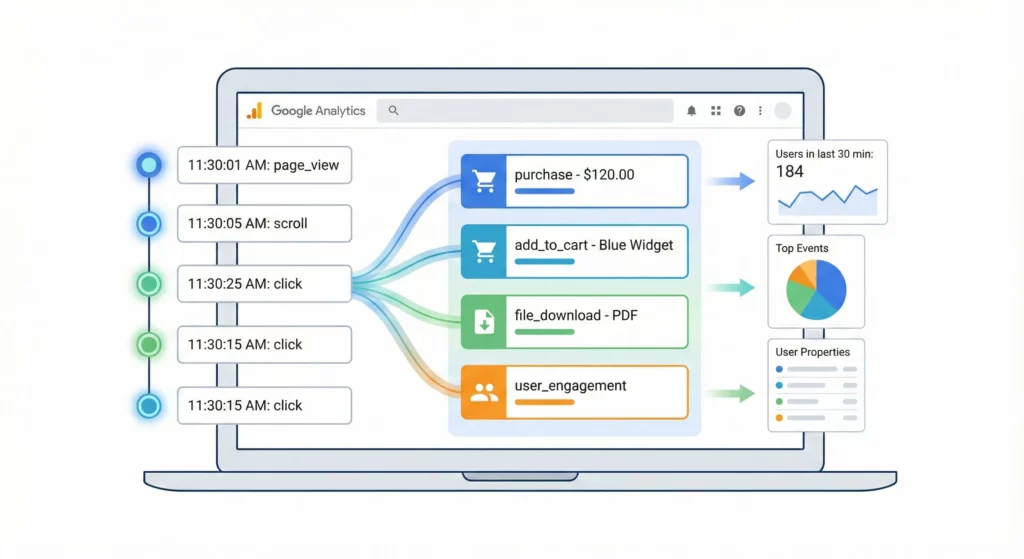
Real-time Google Analytics 4 DebugView interface illustration showing event streams and monitoring dashboard

Google Analytics 4 (GA4) DebugView: Setup, Troubleshooting & Best Practices

When you set up tracking on your website or app, you’re trusting that everything works correctly. But what if a critical conversion event isn’t firing? What if your ecommerce data is malformed? Standard Google Analytics 4 (GA4) reports can take 24 to 48 hours to process, which means you could lose days of valuable data

Google Analytics 4 (GA4) DebugView: Setup, Troubleshooting & Best Practices Read More »

Business professional standing at a crossroads with multiple marketing paths, one clearly illuminated with labeled signposts for different marketing channels leading to a success destination, while other paths remain foggy and unclear, symbolizing the clarity that UTM tracking brings to marketing attribution

Guide to UTM Parameters: Know Which Marketing Actually Works

Most small businesses find it difficult to answer the question: “Which marketing activities actually bring in customers?” They’re spending on ads, emails, and social media, but have no reliable way to track what works. This guide solves that problem. You’ll learn how to use UTM parameters to tag your marketing links that brings visitors to

Guide to UTM Parameters: Know Which Marketing Actually Works Read More »

The Ultimate Guide to Understand Your Website Traffic Using Google Analytics 4: A Questions-First Approach

If you’re a business owner or marketer, you’ve likely opened Google Analytics 4, stared at the dashboard, and thought: “What am I supposed to look at first?” The overwhelming array of reports, metrics, and charts makes it nearly impossible to find simple answers to basic questions like “Is my marketing actually working?” or “What should

The Ultimate Guide to Understand Your Website Traffic Using Google Analytics 4: A Questions-First Approach Read More »

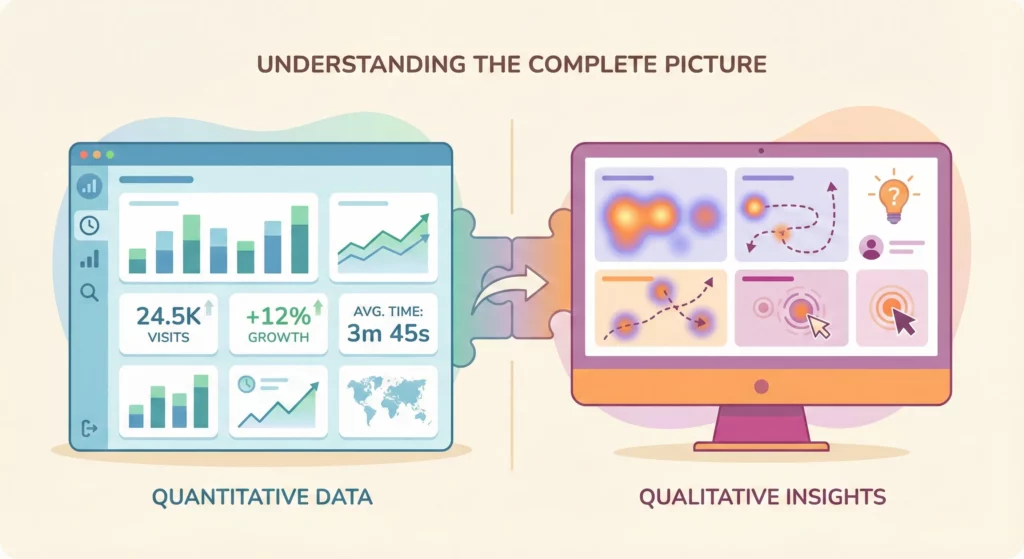
Visual comparison showing Google Analytics quantitative data dashboard on the left connected to Microsoft Clarity qualitative user behavior visualization on the right, illustrating their complementary partnership

Microsoft Clarity vs Google Analytics

If you’re managing a website you’ve likely heard of Google Analytics 4 (GA4) or Microsoft Clarity, or perhaps you’re already using one of them. Maybe you’ve wondered: Are these tools competitors? Do I need both? What’s the actual difference? The short answer: they’re not rivals; they’re partners. GA4 and Clarity serve fundamentally different purposes, and

Microsoft Clarity vs Google Analytics Read More »

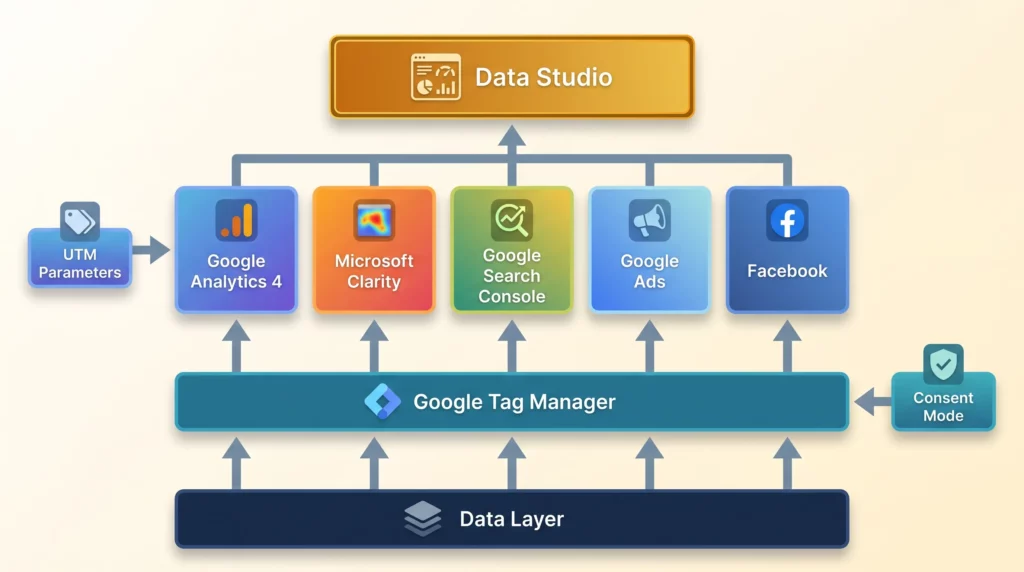
Marketing Measurement Foundation architecture showing layered tool stack from Data Layer through GTM to analytics platforms and reporting

How to Build Your Marketing Measurement Foundation

You’re spending money on marketing, but you can’t confidently answer a simple question: “Which of my marketing efforts actually make money?” If you’re nodding along, you’re not alone. The Marketing Centre’s 2024 UK Marketing Maturity Report surveyed 1,988 SME decision-makers and found that 67% lack a clear marketing action plan (meaning they’re deploying capital based

How to Build Your Marketing Measurement Foundation Read More »

Meta Ads and Google Analytics 4 integration illustration showing data flow between advertising platform and analytics dashboard

Why Your Meta Ads Need Google Analytics 4: A Strategic Measurement Guide

Are your Meta (Facebook and Instagram) Ads campaigns feeling like a black hole for your budget? It’s more common than you might think. For many business owners, the Meta Ads Manager dashboard can feel like a one-way street: you see the impressive reach, you see the high click-through rates, but you’re left wondering if your

Why Your Meta Ads Need Google Analytics 4: A Strategic Measurement Guide Read More »

Why Your Google Ads Need Google Analytics 4: A Strategic Measurement Guide

Are your Google Ads campaigns feeling like a black hole for your budget? It’s a common fear for small business owners: you see the clicks going up, you see the money going out, but you’re left with a nagging uncertainty. Is this actually growing my business? This “hope and pray” approach to advertising is stressful

Why Your Google Ads Need Google Analytics 4: A Strategic Measurement Guide Read More »
Google Analytics and Google Tag Manager working together as complementary tools, illustrated as connected dashboard and toolbox systems with flowing data between them

Google Analytics vs Google Tag Manager: A Beginner’s Guide to Smarter Data

Google Analytics and Google Tag Manager are not competing tools – they’re partners. If you have ever felt a wave of confusion wash over you when someone mentions “Google Analytics” and “Google Tag Manager” in the same sentence, you are not alone. For many business owners and aspiring marketers, these tools are presented as non-negotiable

Google Analytics vs Google Tag Manager: A Beginner’s Guide to Smarter Data Read More »

How to Know if Your Ads are Making Money: A Guide to Measuring Marketing Effectiveness for SMBs

If you’re spending money on ads for your business, you’ve probably lost sleep over this question: “Am I throwing money away on marketing that doesn’t work?” You’re running Google Ads, Facebook ads, maybe some email marketing. Customers are buying, leads are coming in, but you have no idea which efforts deserve the credit. You might

How to Know if Your Ads are Making Money: A Guide to Measuring Marketing Effectiveness for SMBs Read More »

Meta Pixel (Facebook Pixel) Tracking Using Google Tag Manager and Google Analytics 4 Data Layer: Track Conversion and More

If you’re running Meta Ad campaigns, reliable conversion tracking isn’t optional: it’s the foundation of campaign optimisation, audience building, and ROI measurement. Fragmented, inconsistent tracking data undermines your ability to make confident decisions about budget allocation and campaign performance. The solution is to establish a “single source of truth” for all tracking: a centralised, well-structured

Meta Pixel (Facebook Pixel) Tracking Using Google Tag Manager and Google Analytics 4 Data Layer: Track Conversion and More Read More »

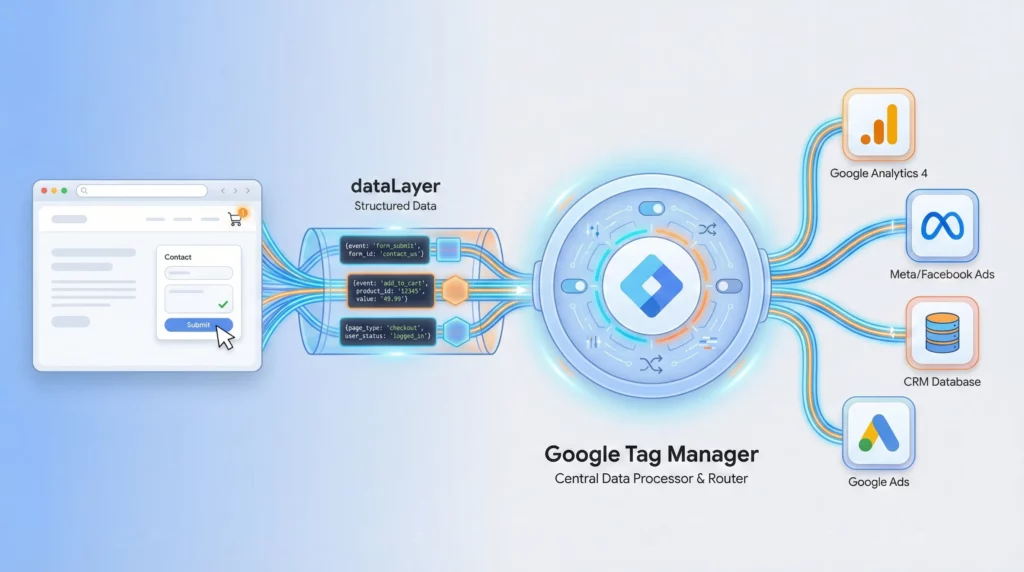
Illustration showing a website pushing data to a glowing data layer, which feeds into Google Tag Manager in the center, which then distributes data to multiple marketing platforms (Google Analytics, Meta Ads, CRM) through organized pathways

Using the Data Layer with Google Tag Manager

Using the data layer with Google Tag Manager (GTM) provides a structured, reliable way to pass information from your website to GTM. Instead of relying on inconsistent page elements, the data layer ensures accurate, consistent data collection for tracking user actions, conversions, and events; making your tags more flexible, scalable, and easier to maintain. What

Using the Data Layer with Google Tag Manager Read More »

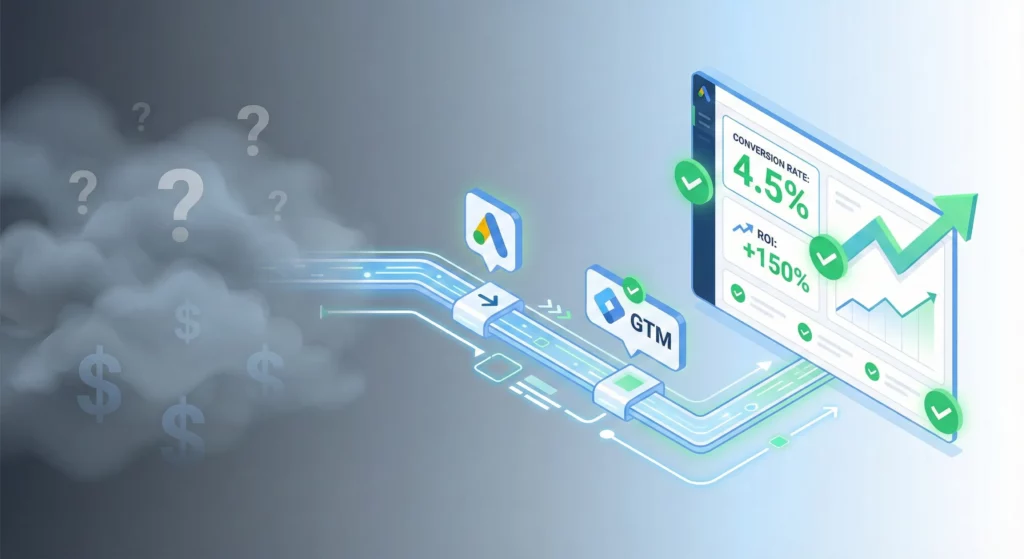
"Modern illustration showing the journey from uncertain marketing results through Google Ads and GTM implementation to clear conversion tracking and measurable ROI

Google Ads Conversion Tracking Using Google Tag Manager (2025 New Interface)

From “Flying Blind” to Data-Driven Confidence Are you tired of pouring money into Google Ads and feeling like you’re “flying blind”? Campaigns are running, clicks are accumulating, and budgets are being spent, but a nagging question remains: what’s actually working? Without clear data, decision-making is based on guesswork, and proving marketing ROI feels nearly impossible.

Google Ads Conversion Tracking Using Google Tag Manager (2025 New Interface) Read More »

The Complete Guide to Google Ads Cross-Domain Tracking

Master the art of accurate attribution across multiple domains and unlock your true Google Ads ROI Picture this: A potential customer clicks your Google Ad, browses your main website, then completes their purchase on your secure checkout domain. Your Google Ads dashboard shows zero conversions from that campaign. Sound familiar? Cross-domain tracking issues are silently

The Complete Guide to Google Ads Cross-Domain Tracking Read More »

How to Setup Google Ads Conversion Tracking for Thinkific Purchases

This guide will help Thinkific Course Creators measure the effectiveness of their Google Ads campaigns by implementing Google Ads Conversion Tracking for Thinkific purchases. We will leverage the events and data setup for sending Purchase information to Google Analytics 4 (GA4), to also send what is needed to Google Ads. Setup Google Analytics 4 Purchase

How to Setup Google Ads Conversion Tracking for Thinkific Purchases Read More »

How to Track Thinkific Purchases with Google Analytics 4 (GA4) Using Google Tag Manager (GTM)

Updated: 2025-03-03 This guide will help Thinkific Course Creators measure which traffic sources are leading to sales, by tracking purchases with Google Analytics 4 (GA4), so they can optimise their marketing.While Thinkific has an integration with Google Analytics 4 via an app from their App Store, it only tracks page views and does not track

How to Track Thinkific Purchases with Google Analytics 4 (GA4) Using Google Tag Manager (GTM) Read More »